One platform for everything your business publishes
Kantan CMS is where your company’s content gets written, kept, and sent out. A headless CMS is the core — your content lives on its own rather than inside one website — and apps add the rest: AI that drafts in your brand’s voice, and one-click delivery to every channel you publish to.
Write content with AI
AI writes the first draft from your brand and your audience, so every post starts at editing instead of a blank page.
Connect with third-party services
Apps connect your content to the tools around it: WordPress, and social through Buffer. Buffer needs its own account, and social gets a short caption rather than the full post.
Own what you build
Your content sits in a portable structure you control — not locked inside a template, a plugin, or a channel you rent.
What that adds up to
A business that publishes consistently, gets found without paying for every visit, and never loses a month of work because a tool or a team member changed.
Where content operations get expensive
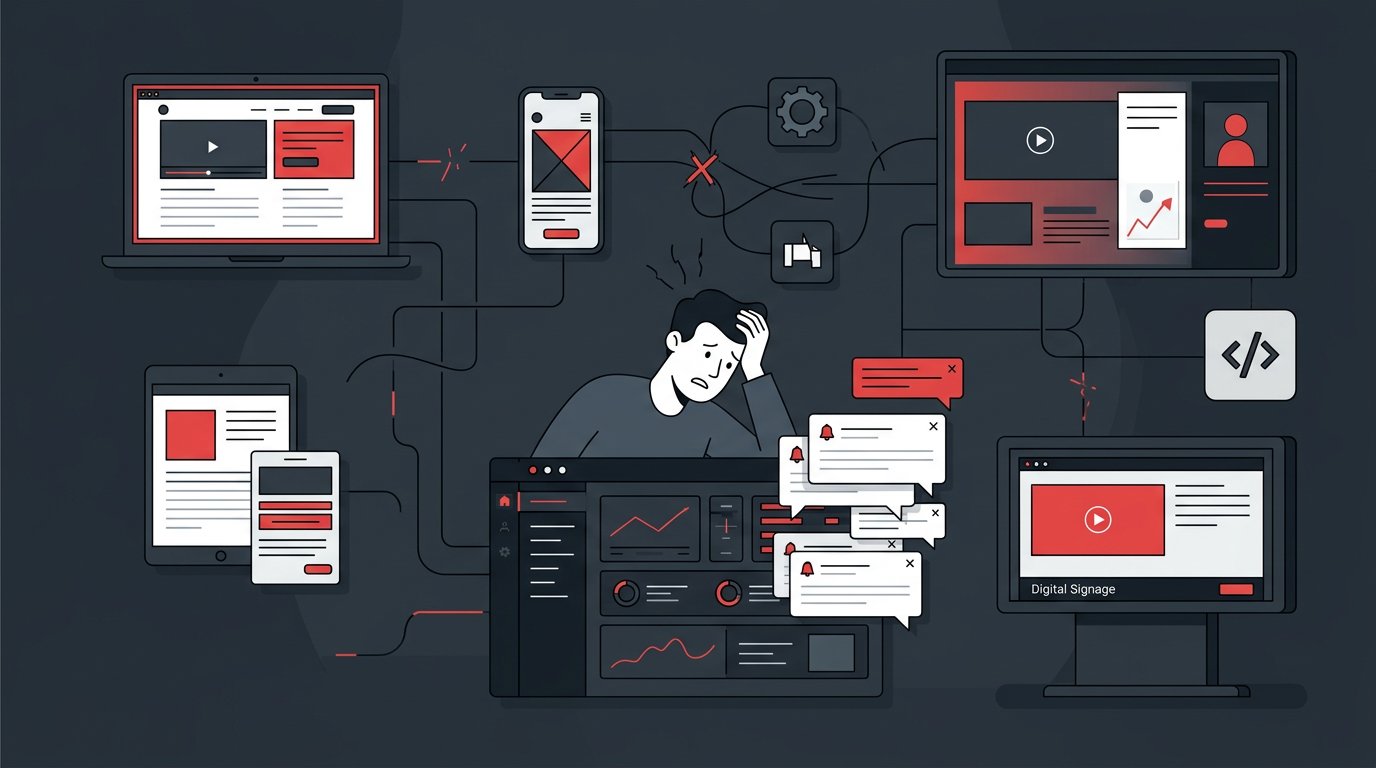
None of this shows up as a line item. It accumulates quietly — in hours spent re-entering the same text, in campaigns that slip past their window, and in maintenance that each tool quietly requires. Most teams recognise at least two of the four.
Traffic that stops when spend stops
When paid channels are the only source of visitors, acquisition is a permanent line item and the cost per visit tends to rise. Publishing your own content does not remove that cost — it lowers how much of your traffic depends on it.
Publishing that waits on a release
When content lives in the codebase, a wording change needs a deployment. Teams work around it with hotfixes or by delaying the change, and both usually cost more than the edit itself.
Maintenance nobody scheduled
Plugin updates, security patches, framework upgrades, and the one person who remembers how the site fits together. The work is real and recurring, but it rarely appears in anyone’s plan until something breaks.
The same content, entered several times
A price change or a revised product detail has to be repeated on each site and channel. Every repetition is another opportunity for the versions to drift apart.
How Kantan CMS addresses it
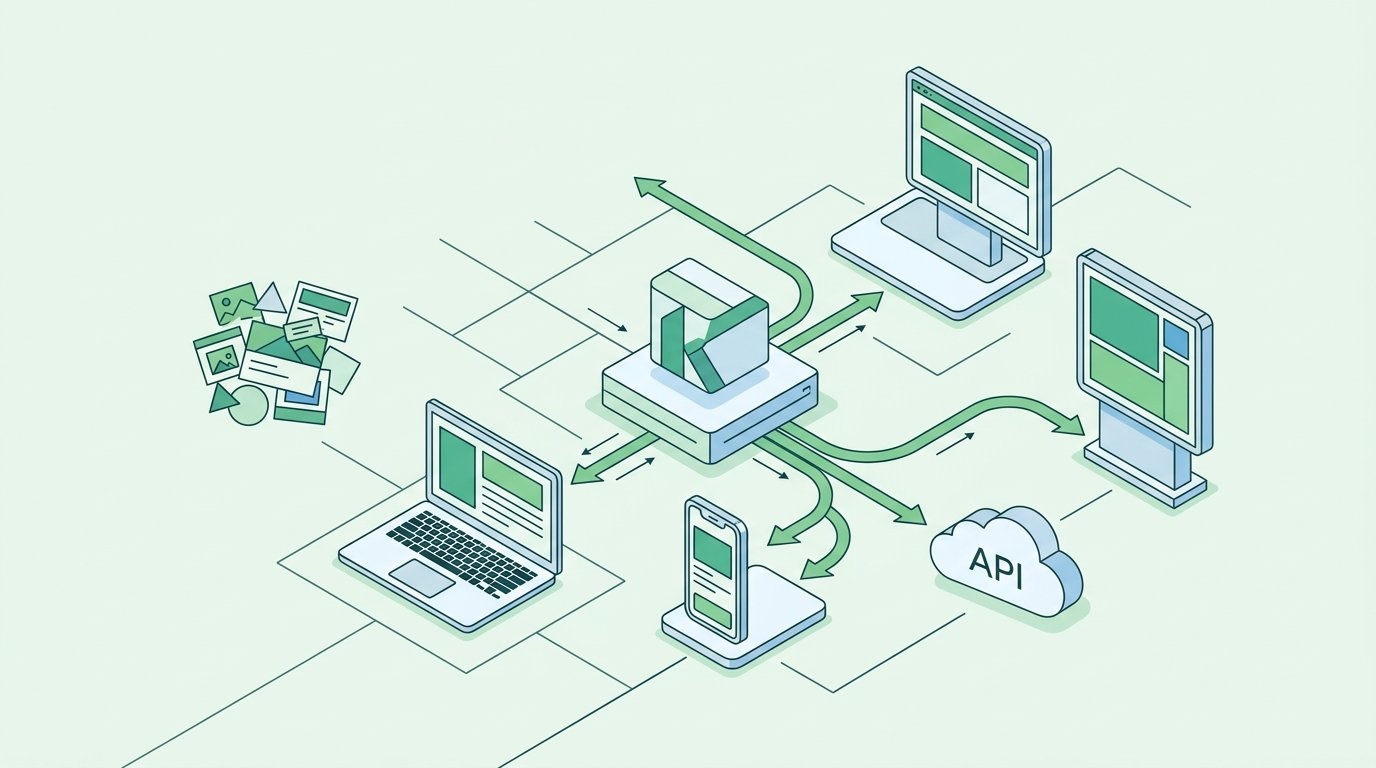
The core is a headless CMS: content stored once, delivered by API. Around it sit hosting, roles and versioning, and an app platform you draw on when there is a reason to. Below is what that changes in practice — including the operational details that matter more in month three than they do in a demo.
One source, delivered by API
Content is stored once and read by whatever needs it — your website, an app, an internal tool. Updating it in one place is the mechanism rather than a policy, so there is no sync step left to get wrong.
Publishing without a deployment
Marketing edits and publishes on its own; engineering keeps owning the code. The two stop waiting on each other because they no longer share a release.
Infrastructure maintained on our side
Hosting, CDN delivery, patching, and backups are part of the platform. There is no server for someone on your side to keep current, and no plugin compatibility to check before an update.
Portable content, and room to add later
Your content stays in a structured, exportable form. Capabilities like AI drafting, site generation, or social publishing are apps you install when you need them, so nothing here asks you to commit beyond what you use today.
Add only the capabilities you need
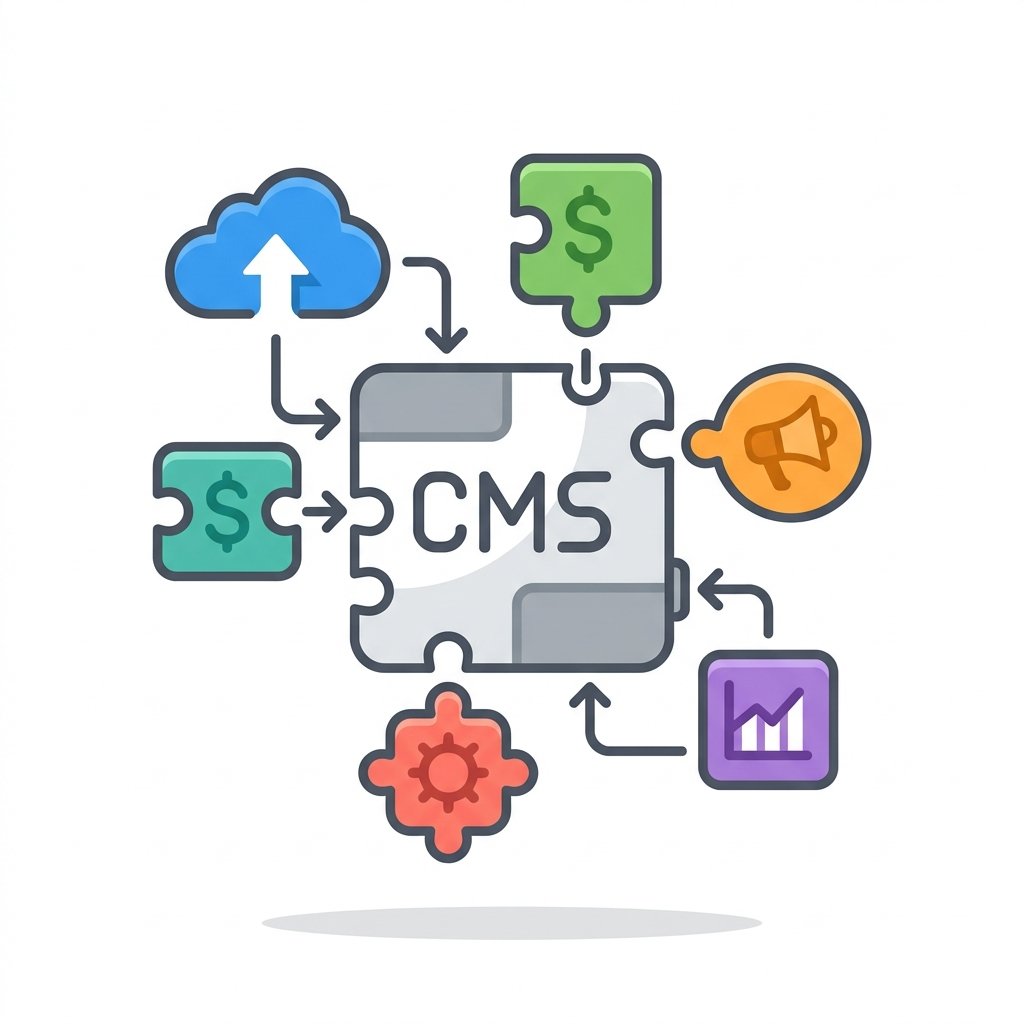
The CMS keeps your content and delivers it. Apps extend it — AI drafting, publishing to WordPress and social, translation, scheduling, analytics. Install what fits how you work and leave the rest.
Built for the way you work
Whether you build sites for clients or run your own, Kantan CMS gives you a platform that treats your work as long-term infrastructure.
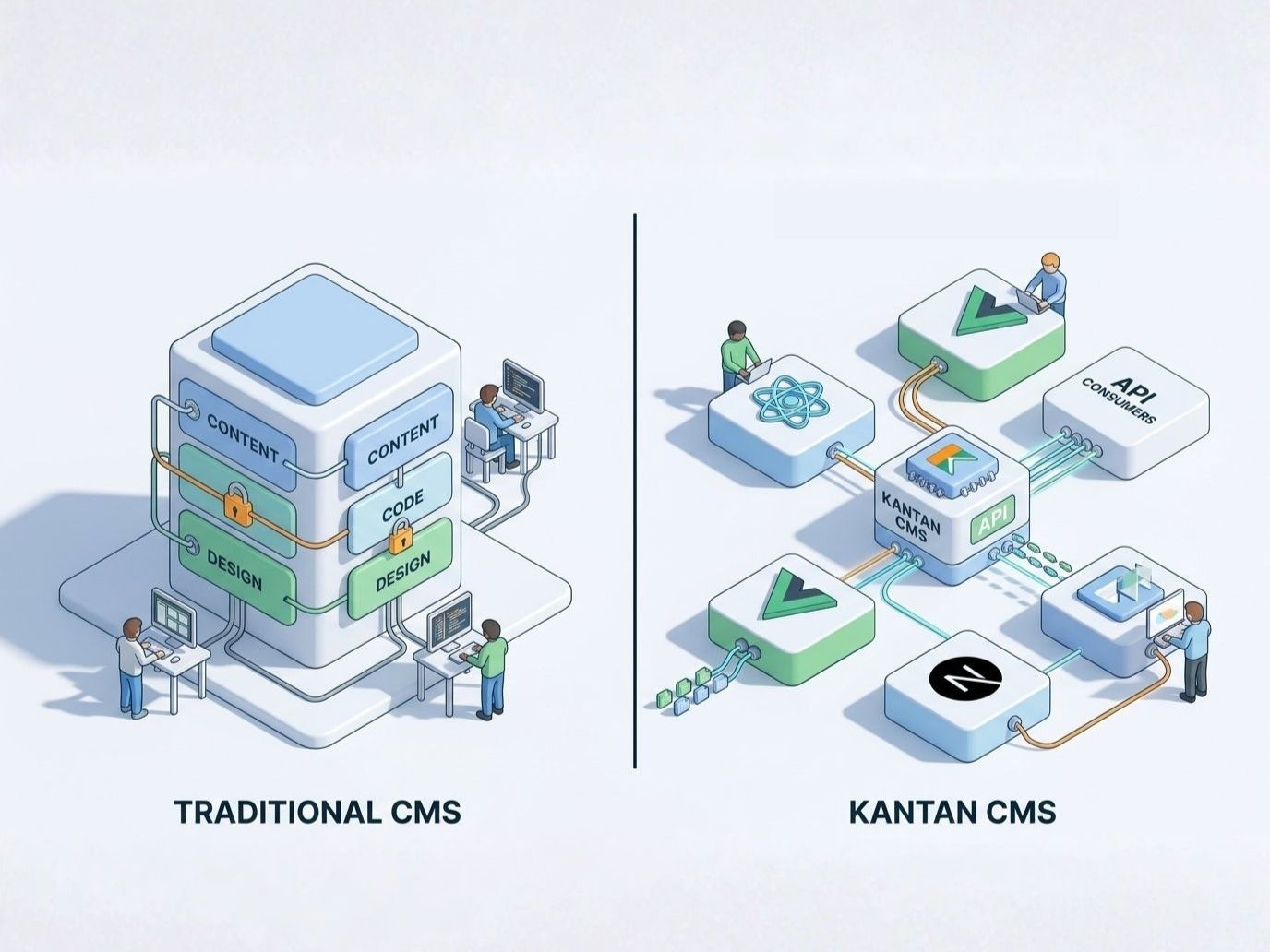
Freelance Developers and Small Agencies
The problem
Every client site you build comes with hidden long-term costs — maintenance, updates, the inevitable “can you fix this?” call months later. The tools you use weren’t designed for clean handoff or long-term ownership.
With Kantan CMS
Build modern client sites on a managed platform that handles infrastructure for you. Use any framework you want — Kantan CMS delivers clean content, you build whatever you want on top. Your clients get sites that stay reliable; you get to move on to the next project. Available as a partner: list yourself in our directory and get referred client work.
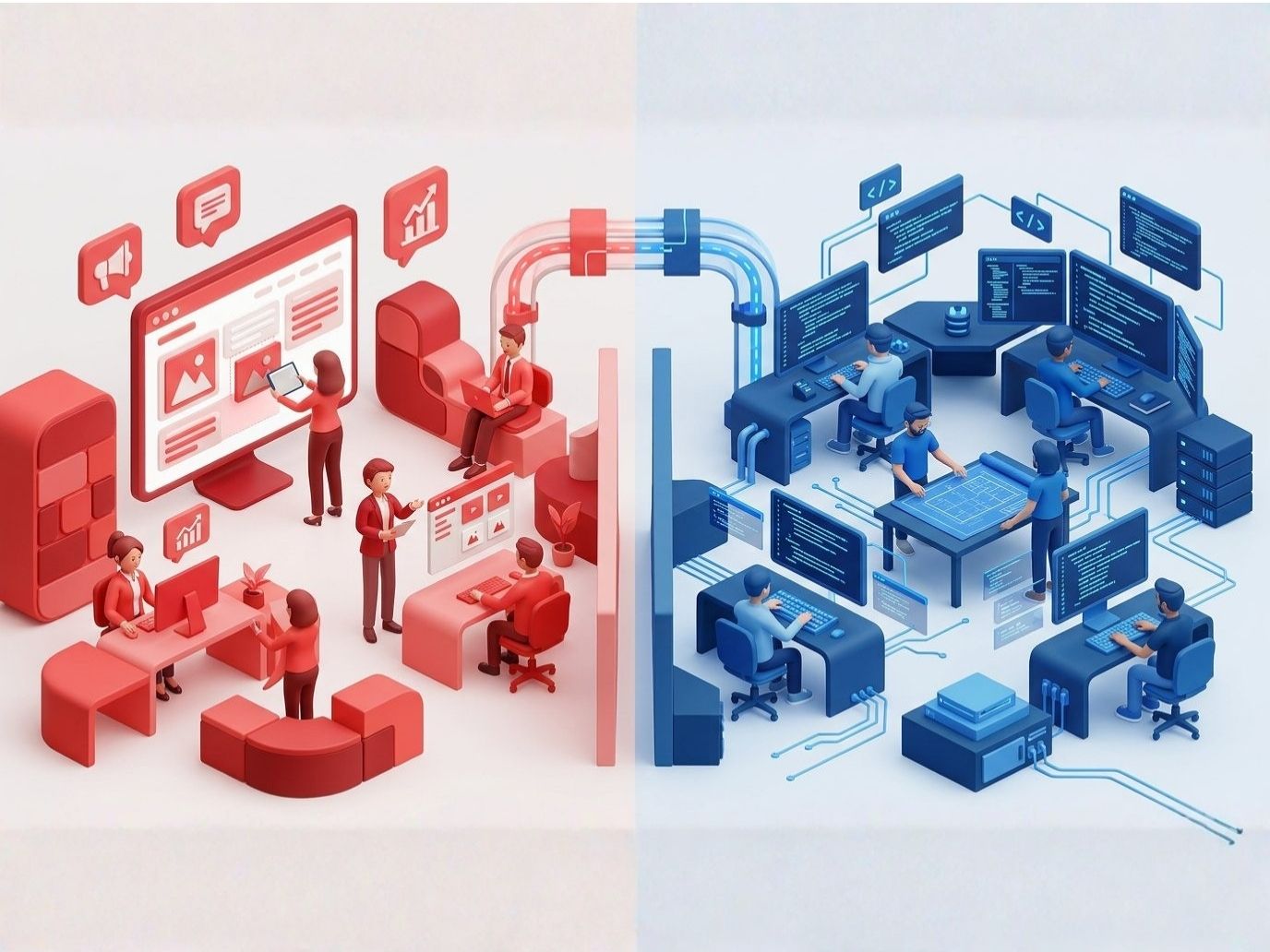
In-House Teams and Growing Businesses
The problem
Your content team and your development team work in the same tools, but for different reasons — and those tools usually compromise both. Marketers fight cluttered admin interfaces. Developers fight platform restrictions. Updates require coordination that slows everyone down.
With Kantan CMS
Content creators get a clean dashboard built for how they actually work. Developers get content via standard interfaces and build whatever frontend fits the project. Two clean jobs, separated by design — so neither side has to compromise for the other.
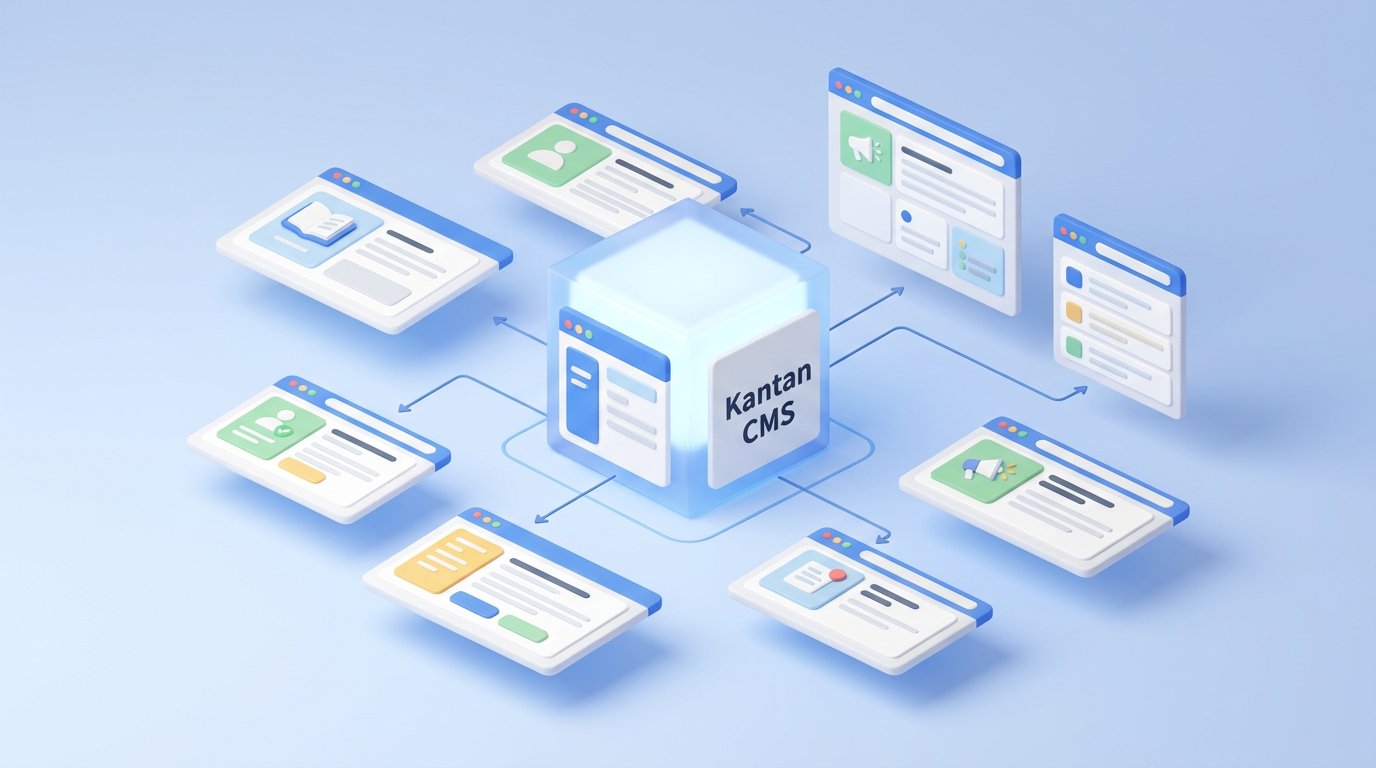
Marketing In-House, Without a Marketing Team
The problem
Marketing is somebody’s second job. The site, the blog, and the social accounts all need updating, but nobody was hired to do it, so it happens between other work — and stops entirely in a busy month.
With Kantan CMS
AI drafts from your brand profile, so publishing starts at editing rather than a blank page. One record then reaches your website, your WordPress blog, and your social channels at once. It becomes a task somebody can finish in an hour, which is what makes it survive a busy month.
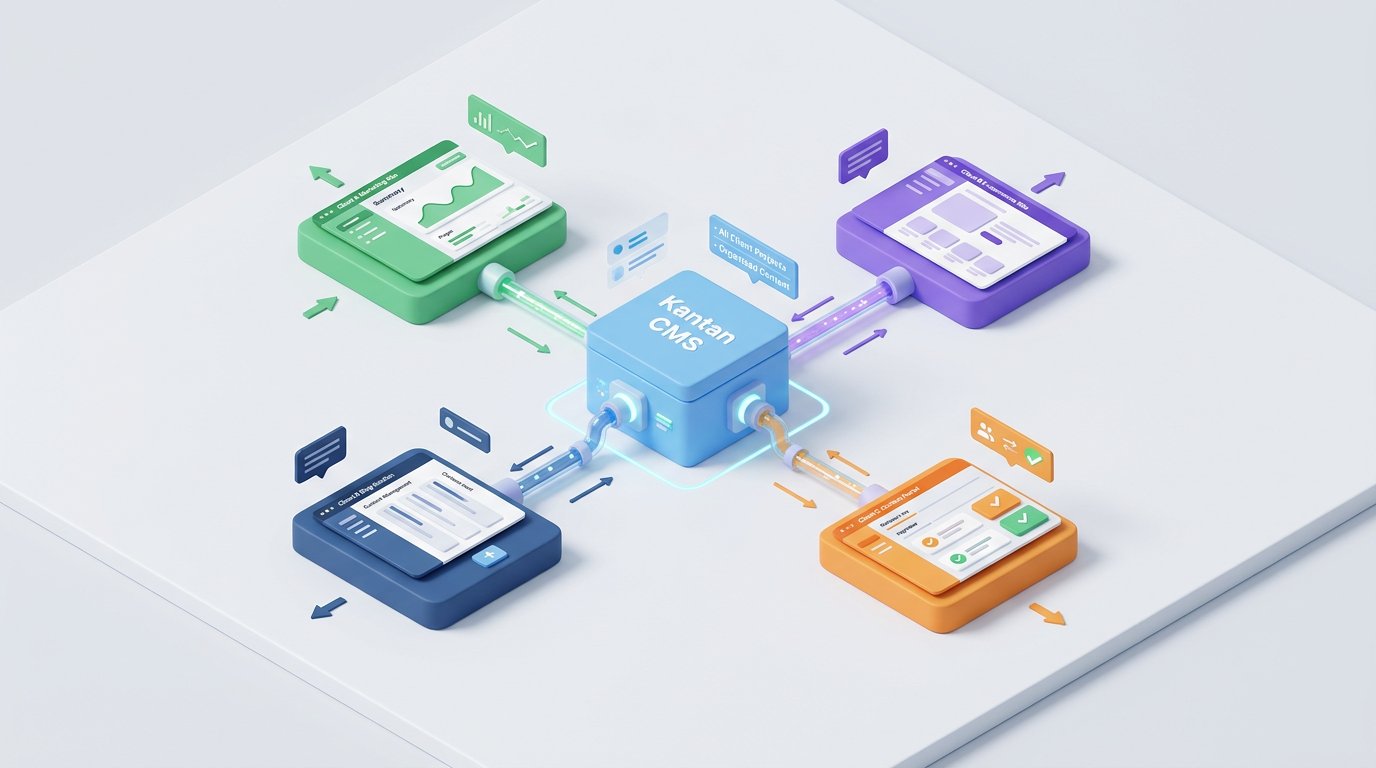
Small Business Owners
The problem
You have a website you don’t fully control. Updating content means asking a developer or wrestling with admin interfaces designed for technical users. You’d like a website that supports your business, not one that adds work to your day.
With Kantan CMS
Manage your content from a dashboard you can actually understand — and keep the WordPress site you already paid for. Write a post once in Kantan and it publishes to WordPress, to your other sites, and to your social channels. AI drafts the first version from your brand, so publishing regularly stops depending on finding a free afternoon.



Predictable pricing for a platform that lasts.
Save 20% with annual billing. Switch tiers any time.
Pricing is being reworked
We have added apps, AI drafting, and publishing integrations since these tiers were set, so the plans and their limits are being restructured. The figures below are from the previous plan and are not final.
Enterprise
For larger organizations, regulated industries, and teams with custom requirements. Invoice payment, SAML SSO, audit log, custom SLA, and dedicated support.
Common questions teams ask before choosing a content platform
The questions worth thinking through before committing to any tool that will live with your business for years.
Most platforms tie content to one specific structure. When your needs change — a new website, a mobile app, an internal portal — you typically rebuild from scratch. Kantan CMS keeps content separate from any specific destination, so the same source can power whatever channel matters next.
Content creators can manage everything from a clean dashboard with no technical knowledge required. Developers consume the content through standard interfaces and build whatever they want. Both sides work in the tools that fit their job — neither has to learn the other’s.
Most self-hosted platforms require ongoing maintenance: server updates, security patches, plugin compatibility. Kantan CMS handles infrastructure as part of the platform, so it doesn’t depend on someone being assigned to maintain it.
Custom-built sites often degrade over time as the original developer moves on or the underlying tools change. With Kantan CMS, your content lives in a standard, structured form that stays accessible — any qualified developer can build new front-ends on top of it without starting over.
Your content is a long-term business asset — product information, customer-facing words, brand voice, structured data. Treating it as if it lives in one specific website creates accumulating debt every time you need to publish elsewhere. Treating it as portable infrastructure keeps your options open.
A traditional CMS locks your content to one website template. Kantan CMS is headless, meaning your content is stored separately and delivered via API. This lets you use the same content across your website, mobile app, and any other platform.
No. The WordPress app posts records from Kantan CMS straight to your self-hosted WordPress site through its REST API — automatically when a record is created, or on demand. Your theme, plugins, and URLs stay as they are. The difference is that the same content can now also feed your other sites and your social channels, instead of living only inside WordPress.
Yes, through the Buffer app — with one thing worth knowing upfront: Buffer is a separate service, so this needs your own Buffer account. Kantan CMS doesn’t replace your social scheduler, it feeds it. Connect the account and a blog record goes to every channel Buffer manages, with an AI-drafted caption and image, added to the queue or saved as a draft to review in Buffer first. One article becomes a website post, a WordPress post, and a set of social posts without retyping anything.
You can, but you don’t start from a blank page. Describe your brand, your audience, and your tone once, and Content Advisor drafts full articles for the collection you choose — mapped to your own fields, waiting on your dashboard. Your job becomes editing and approving rather than writing from nothing, which is usually the difference between a blog that keeps going and one that stops at post three.
Plugins extend one site. They don’t draft an article in your brand voice, and they don’t push the same piece to your other sites and your social channels. Kantan CMS sits a layer above: your content lives in one place and WordPress becomes one of its destinations rather than the only place the content exists. Nothing about your current site has to change for that to work.
Not in week one — that’s the honest answer, and it’s why most content programs are abandoned before they work. An article compounds: it gets found, shared, and cited for months after it is written. What decides whether you ever reach that point is the cost of publishing one post. Bring that cost down far enough and consistency stops requiring discipline.
Yes. You can import content via our API. For large migrations, our support team can help with the transition.
Get started for free
No credit card required. Start building in minutes.